
Noble Distributors › Backend
Noble 777 Backend Login Guide
Noble’s lobby shows slots and fish; your work happens in the backend. This guide covers each click from login to end-of-day history.
What this page covers
Player accounts
Give each new player a username and starting password, then share them by message.
Points in and out
Load points once a player pays, and redeem them when they want to cash out.
Records
Each action is kept with its date and time for later checks.
Two links, two jobs
The player link opens the Noble 777 games. The agent link opens your backend with balances and records. Keep the agent link to yourself.
Your balance
Points in your backend are prepaid points bought from us. When you are running low, message us, pay, and we add more.

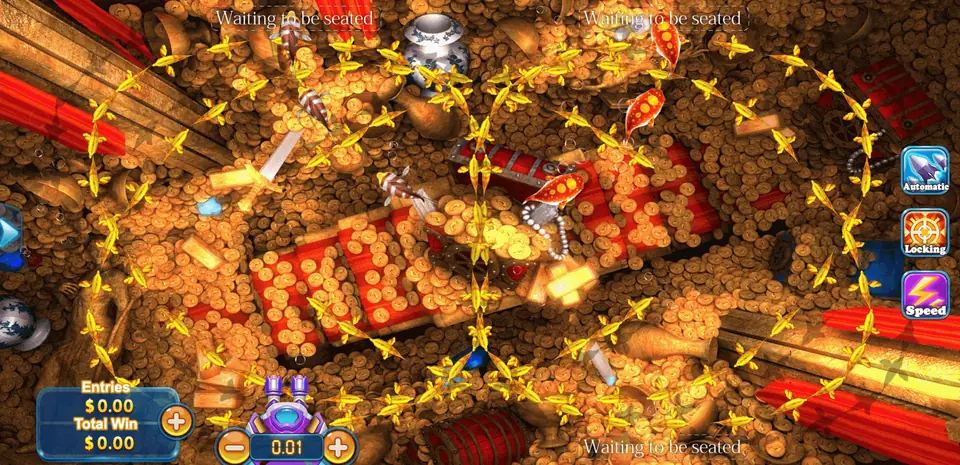
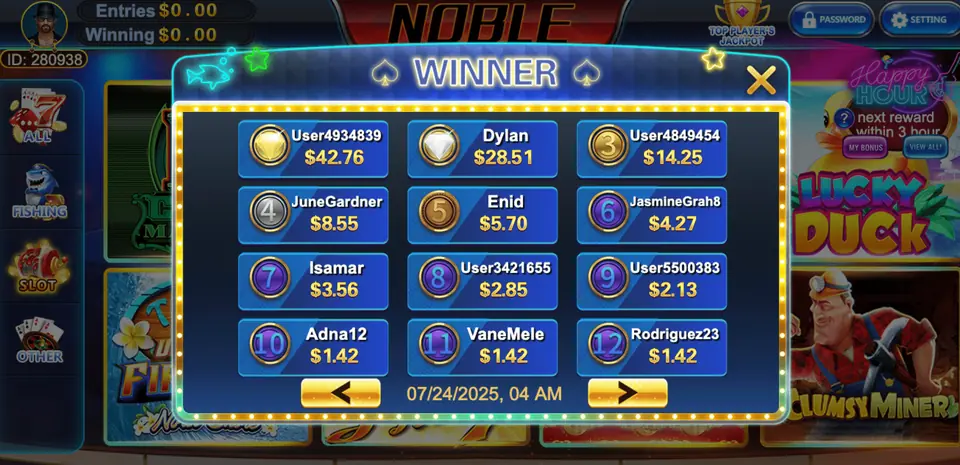
Noble 777 game specs
Quick Noble facts before you open a seat
System specs
| Category | Play-at-home |
| Also called | noble, Noble |
| Player apps | Android, iOS and web browser |
| Agent side | Browser backend, no download |
| Billing | Prepaid points |
| Average theoretical hold | 25–30% |
| Account levels | Distributor, sub-distributor, agent |
Game count
Backend features
- Daily bonuses for returning players
- In-game jackpots inside the slot lobby
- Two keno styles beside the slots
- Fish tables with boss targets
- Helper accounts under one distributor
- Cloud backend for players, loads and redeems
Access links
Player page: sent in chat after setup
Agent panel: agent link sent in chat
Noble sellers usually we message your agent username once we agree which level you are taking.
Getting into the backend
When your account is ready, we send your username and the agent address, which is agent.sent with your account/admin. Players use sent with your account. Save the agent address as a bookmark right away, and always open it from there. Fake copies of game login pages do exist, and a bookmark is the easiest way to avoid them.
On your first visit, replace the password we sent with a fresh one that belongs to Noble 777 alone. Then take ten minutes to open every menu and read the labels. Nothing changes until you press save, so exploring is safe.
Main pages explained
Players
Here you see every player under your account and how many points each one has. Choose a clear way to name players from the start. For example, use the player's first name and the month you met them, like ali-may. A clear name lets you find the right person fast when several messages arrive together.
New player
Enter a username and starting password, then save. Send these to the player along with the app link or sent with your account. Ask them to set their own password after the first sign-in, so you do not need to remember it for them.
Loading and redeeming
Search for the player, enter the amount and confirm. The points leave your balance and appear on their account straight away. Redeeming is the reverse. Before confirming, read the player name once more. A quick second look stops almost every loading mistake.
Records
The records page lists each load and redeem with time and amount. If a player says points are missing, open the records, find the entry and share a screenshot. Calm proof solves most disagreements quickly.
A routine for each shift
- Check your balance before players start messaging.
- Reply to messages in the order they came in.
- Read the player name twice before every load.
- Remind players when their hourly wheel is ready.
- Order more points while you still have a buffer.
Using the backend on a phone
Since the Noble 777 backend runs inside a mobile browser, you are never tied to a desk. Many agents keep the backend in one tab and their chat app in another, switching between them as orders come in. If you plan to add helpers, see the admin panel guide next.
Backend questions
Where do I sign in to the Noble 777 backend?
At agent.sent with your account/admin. Players use sent with your account. We send your username when the account is ready.
Does the backend work on mobile?
Yes. It opens in a mobile browser with nothing to install.
I loaded the wrong player. What now?
If the points are unused, redeem them back and load the right player. Message us if you need help.
Are loads and redeems recorded?
Yes. Every action is listed with its time and amount.
Can I practise before buying?
Yes. Your first account has zero points, so practice costs nothing.
Part of the Gamebridge API family
Noble 777 is one of the many games on our main website. Pop over to browse every title, Noble 777 included.